2018 Honda Pilot Owner’s Manual — Cruise Control*
DRIVING
Maintain a constant vehicle speed without having to keep your foot on the accelerator pedal. Use cruise control on freeways or open roads where you can travel at a constant speed with little acceleration or deceleration.
Cruise control is not available when Snow, Mud*, or Sand* is selected for Intelligent Traction Management (see "Intelligent Traction Management System").
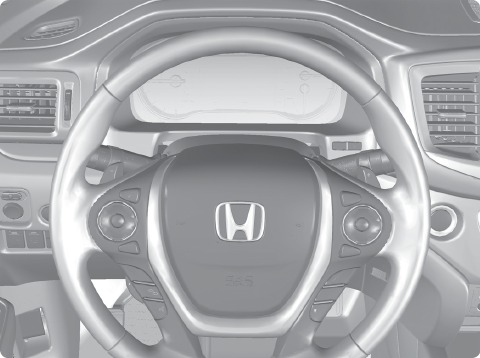
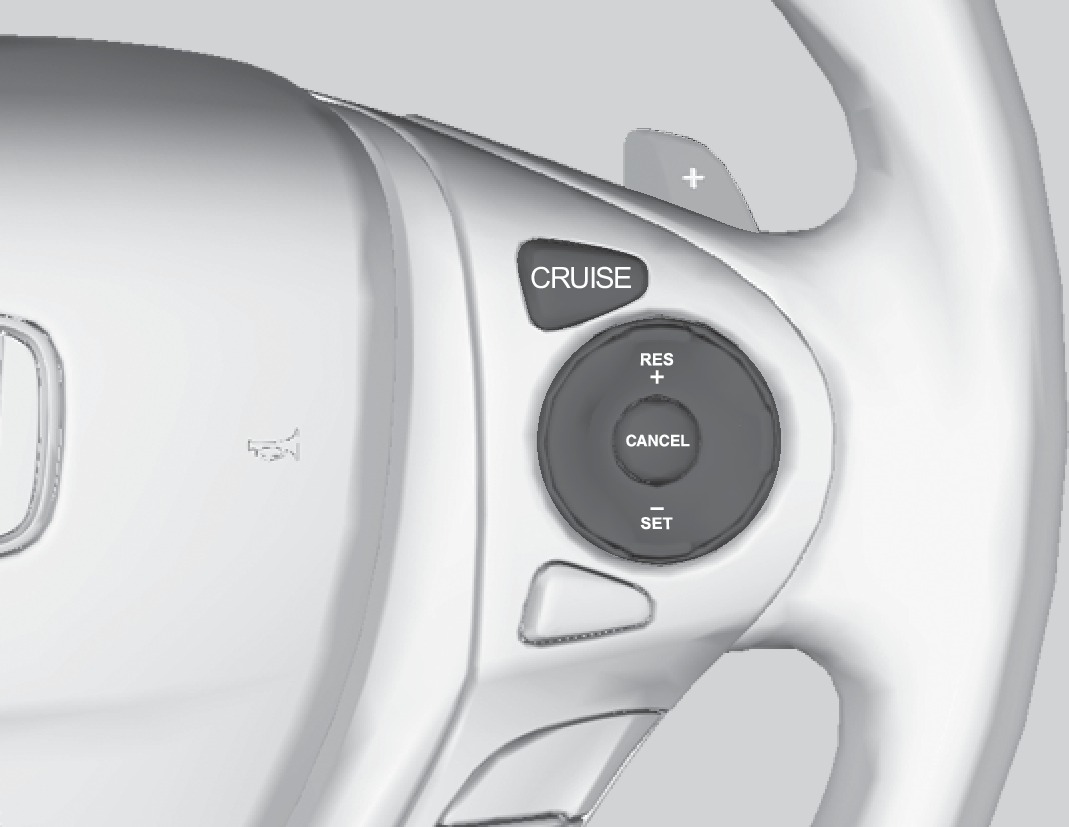
CRUISE button
RES/+ button
CANCEL button
-/SET button
Activating and Setting the Vehicle Speed
- Press the CRUISE button. The CRUISE MAIN indicator appears.
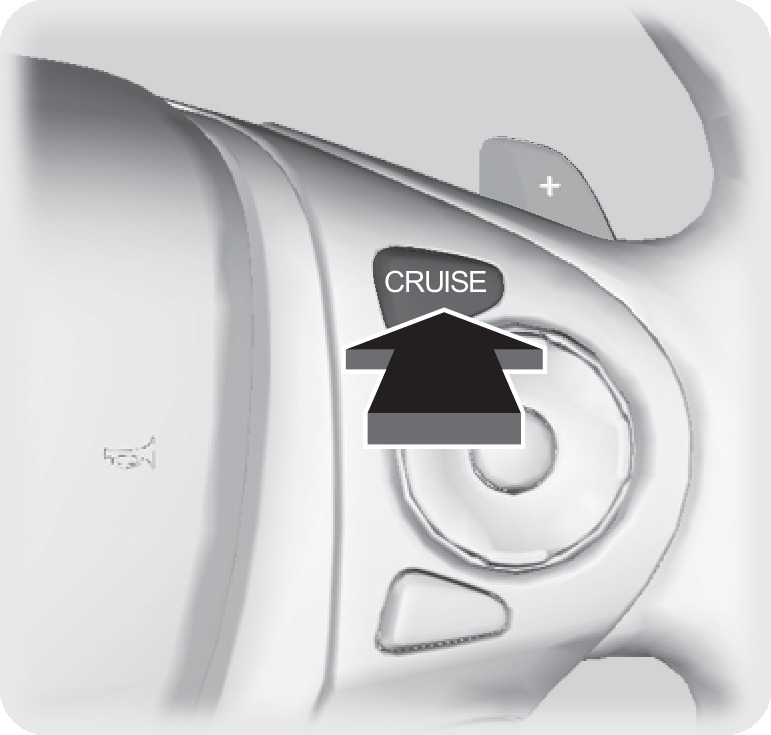
- Accelerate to the desired speed (above 25 mph/ 40 km/h). Take your foot off the pedal and press the -/SET button to set the speed. The CRUISE CONTROL indicator appears.
Adjusting the Vehicle Speed
Press the RES/+ button to increase speed or the -/SET button to decrease speed.
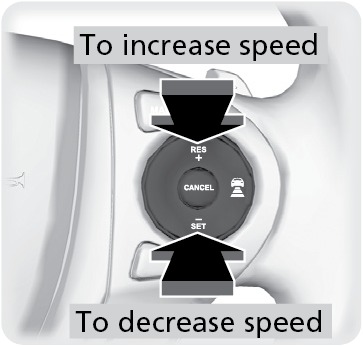
Each time you press the button, the vehicle speed is increased or decreased by about 1 mph (1.6 km/h). If you keep the button pressed, the vehicle speed increases or decreases until you release it.
Canceling Cruise Control
Press the CANCEL button or the brake pedal. The CRUISE CONTROL indicator goes off.
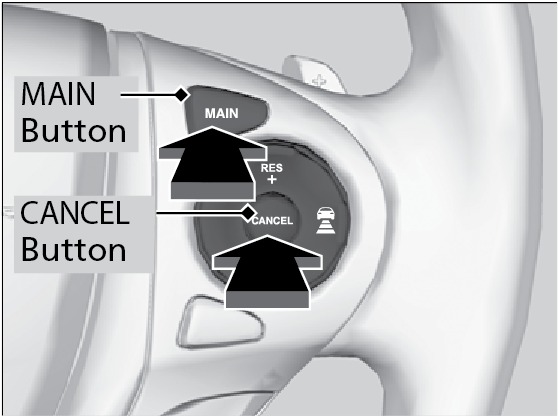
After cruise control has been canceled, you can still resume the prior set speed by pressing the RES/+ button while driving at a speed of at least 25 mph (40 km/h).
Improper use of the cruise control can lead to a crash.
Use cruise control only when traveling on open highways in good weather.
*if equipped
Stored owner’s manualImported HTML from the shared Autotk manuals tables. Not an official Toyota site.